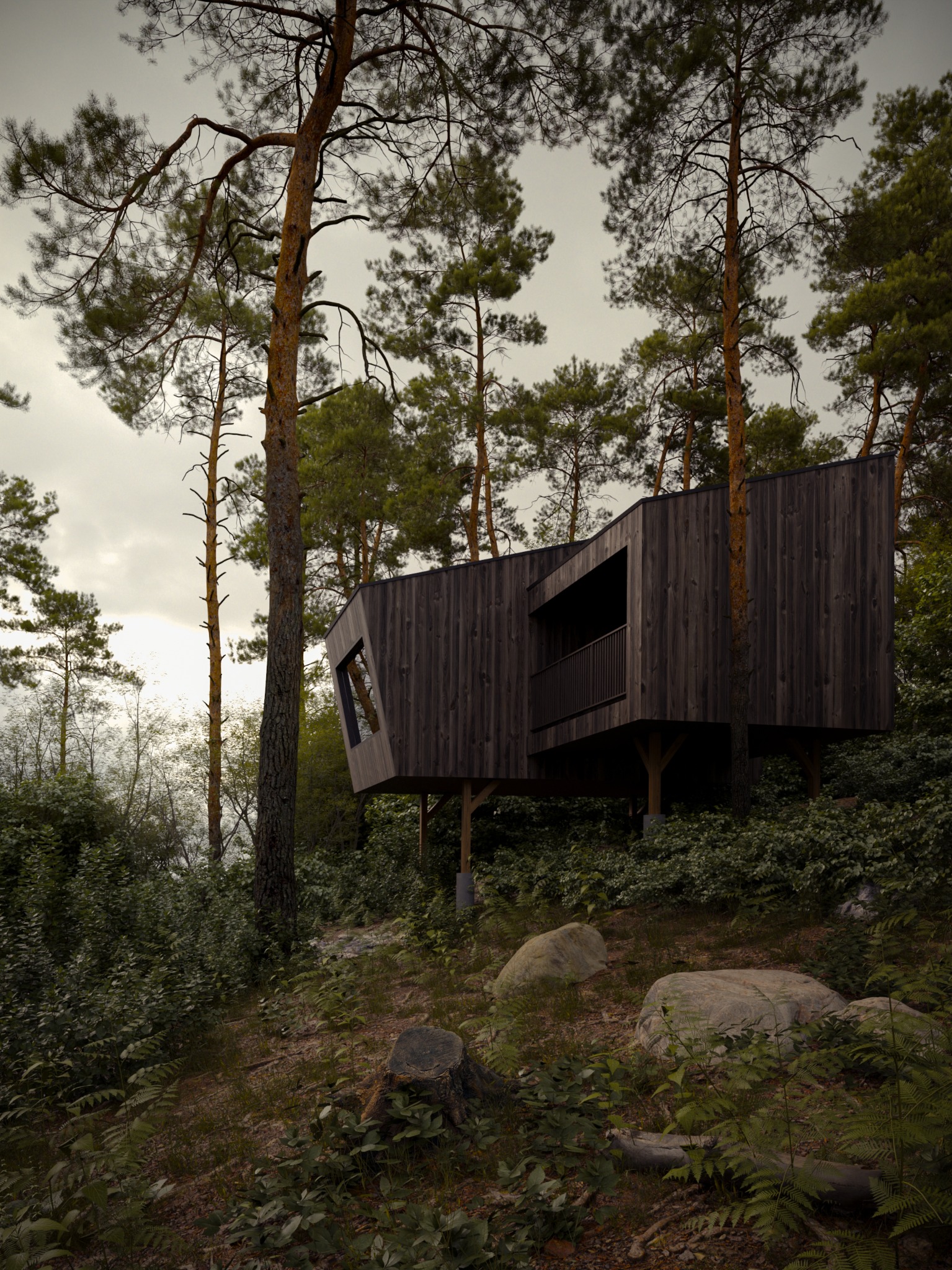
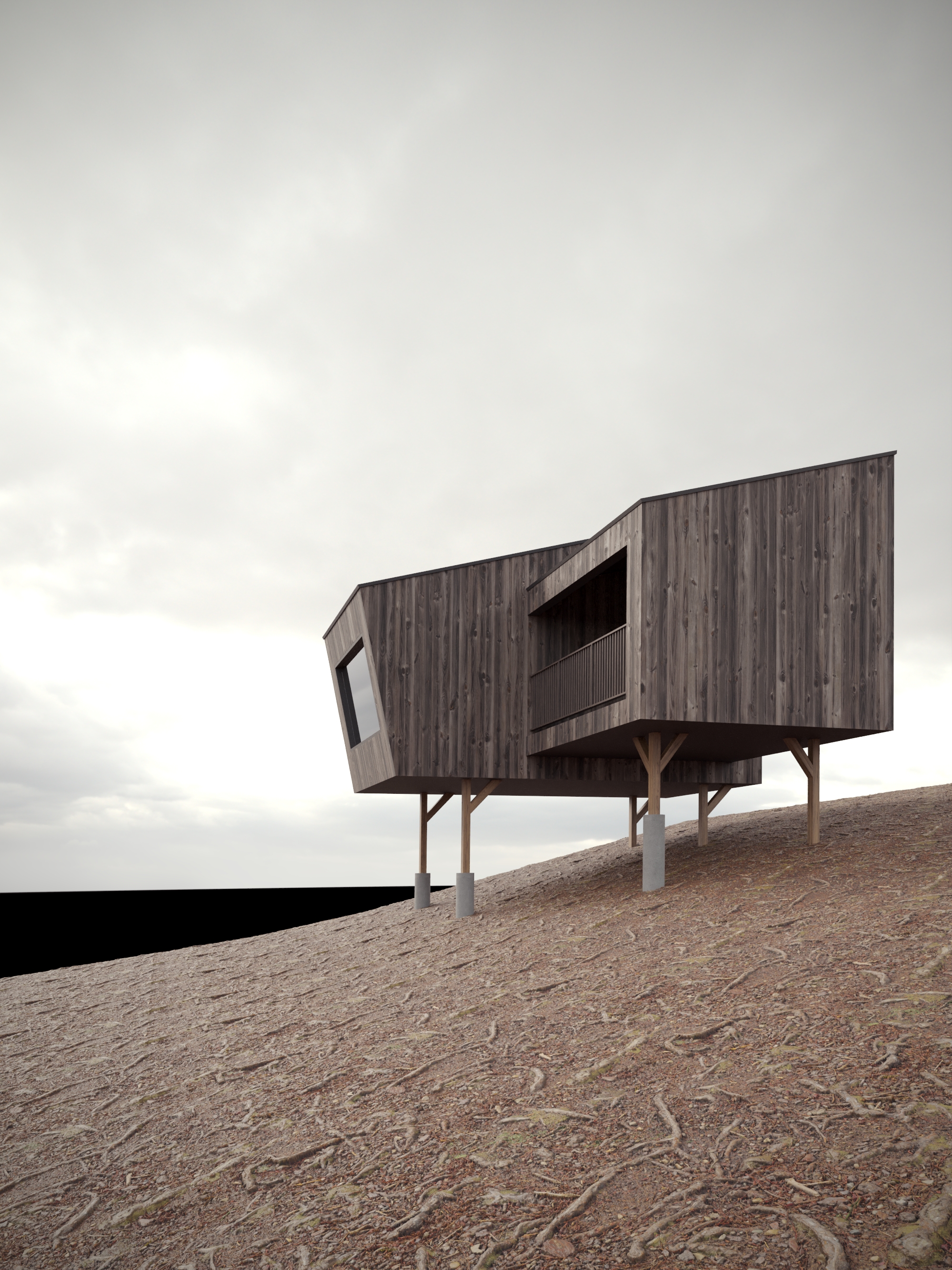
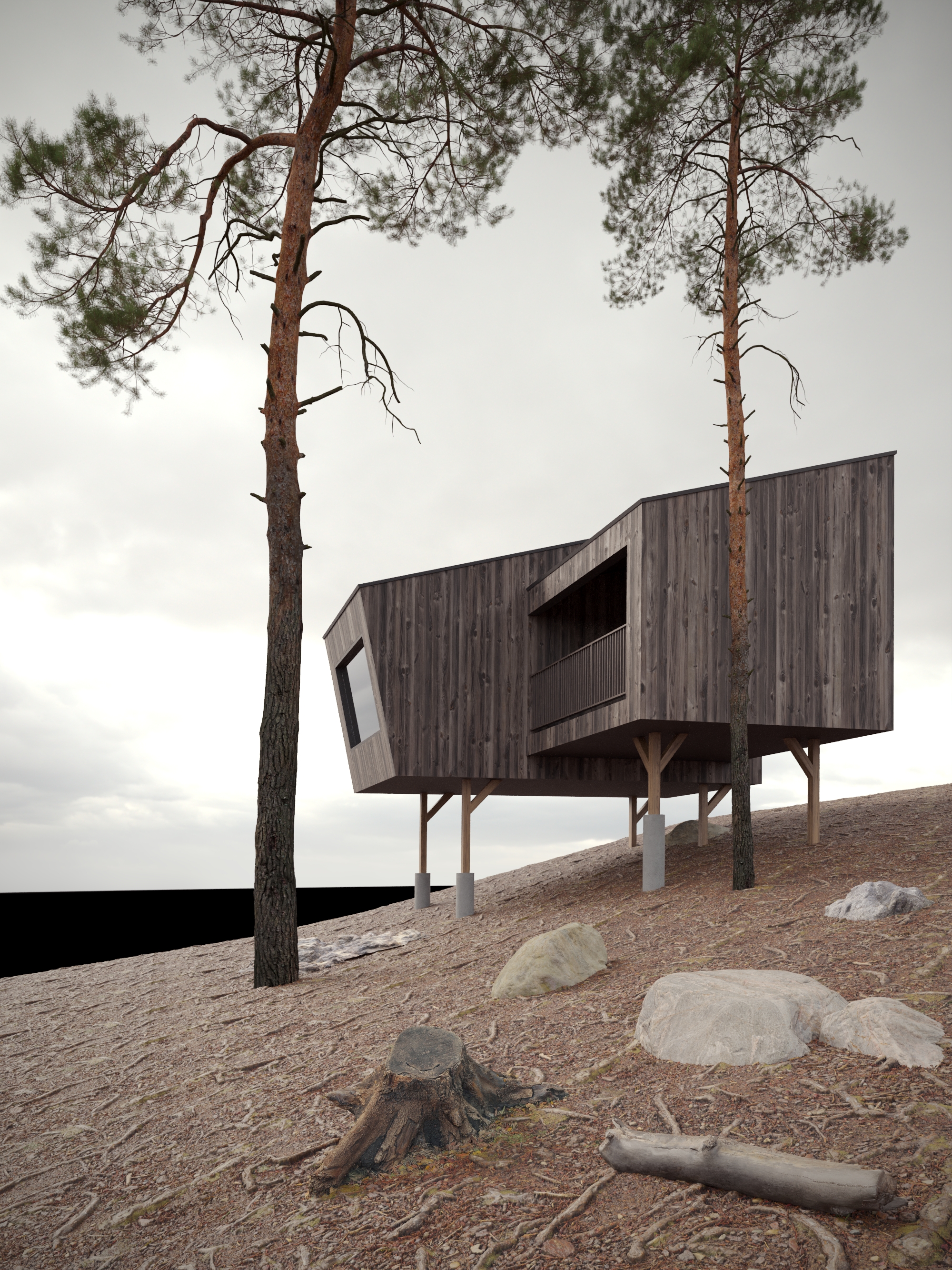
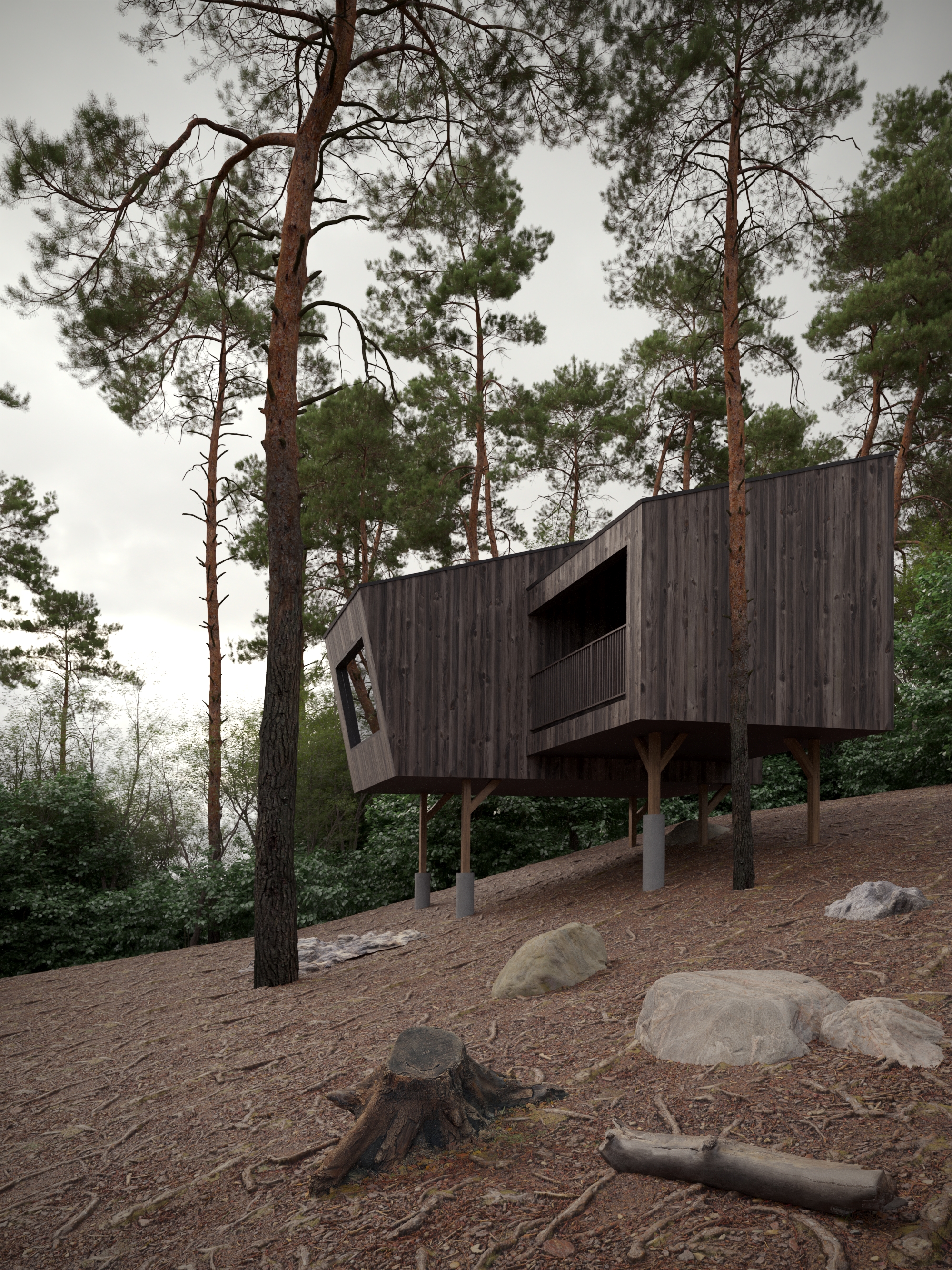
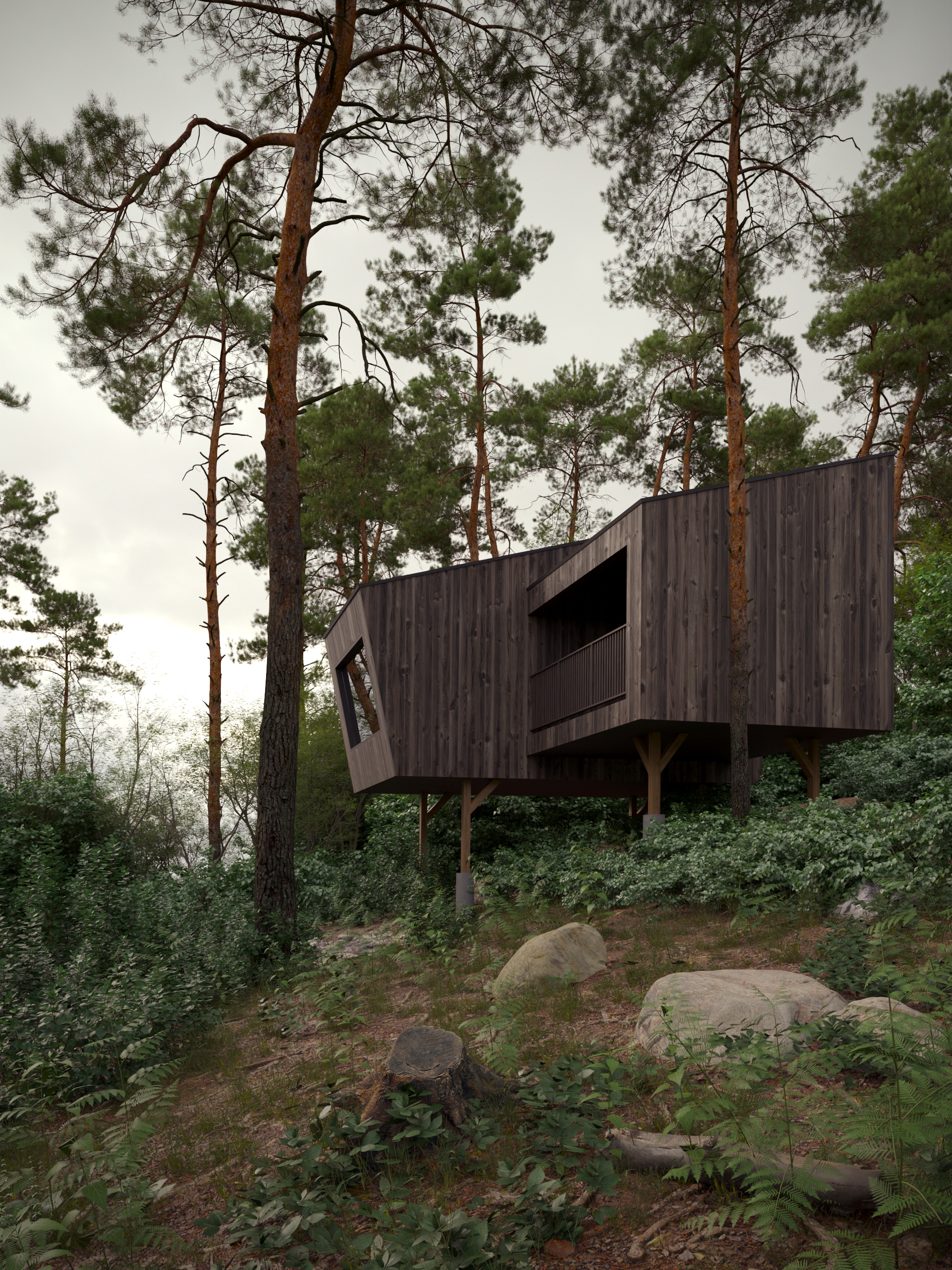
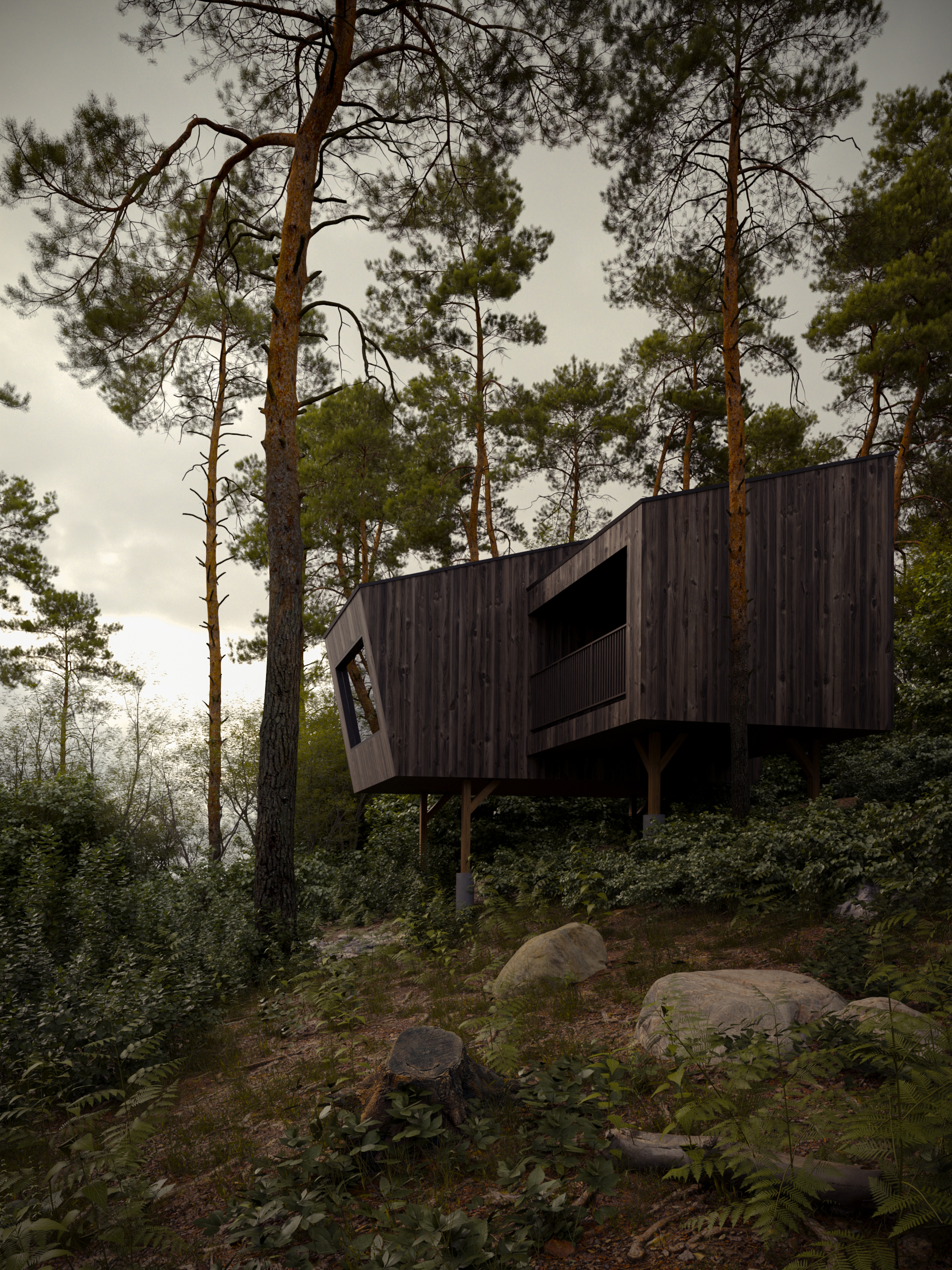
Exterior.
Build a complete exterior scene from reference, with architecture, environment, vegetation, lighting, camera composition and final post-production.
Two free architectural visualization masterclasses. One complete workflow for interior and exterior imagery — from modeling and lighting to composition, Corona Scatter and Photoshop.
The workflow stays consistent, while the visual problems change.
The exterior masterclass focuses on architecture, landscape, natural atmosphere and Corona Scatter. The interior masterclass applies the same principles to furniture, materials, artificial and natural light, composition and spatial depth. Together, they show how the same thinking can be adapted to very different scenes.
Take one masterclass or go through both. Each one follows the scene from reference analysis to the final Photoshop pass.
Build a complete exterior scene from reference, with architecture, environment, vegetation, lighting, camera composition and final post-production.
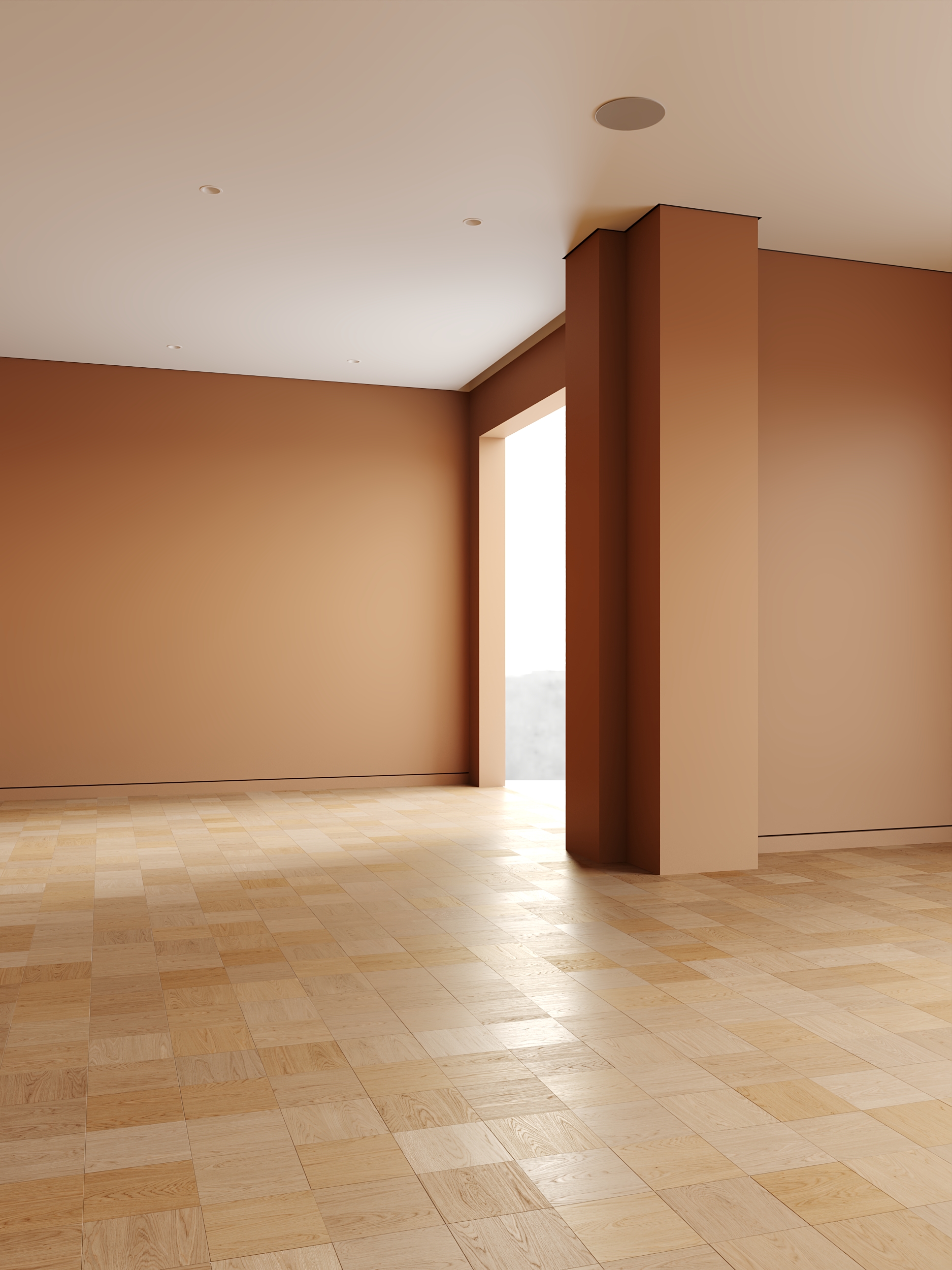
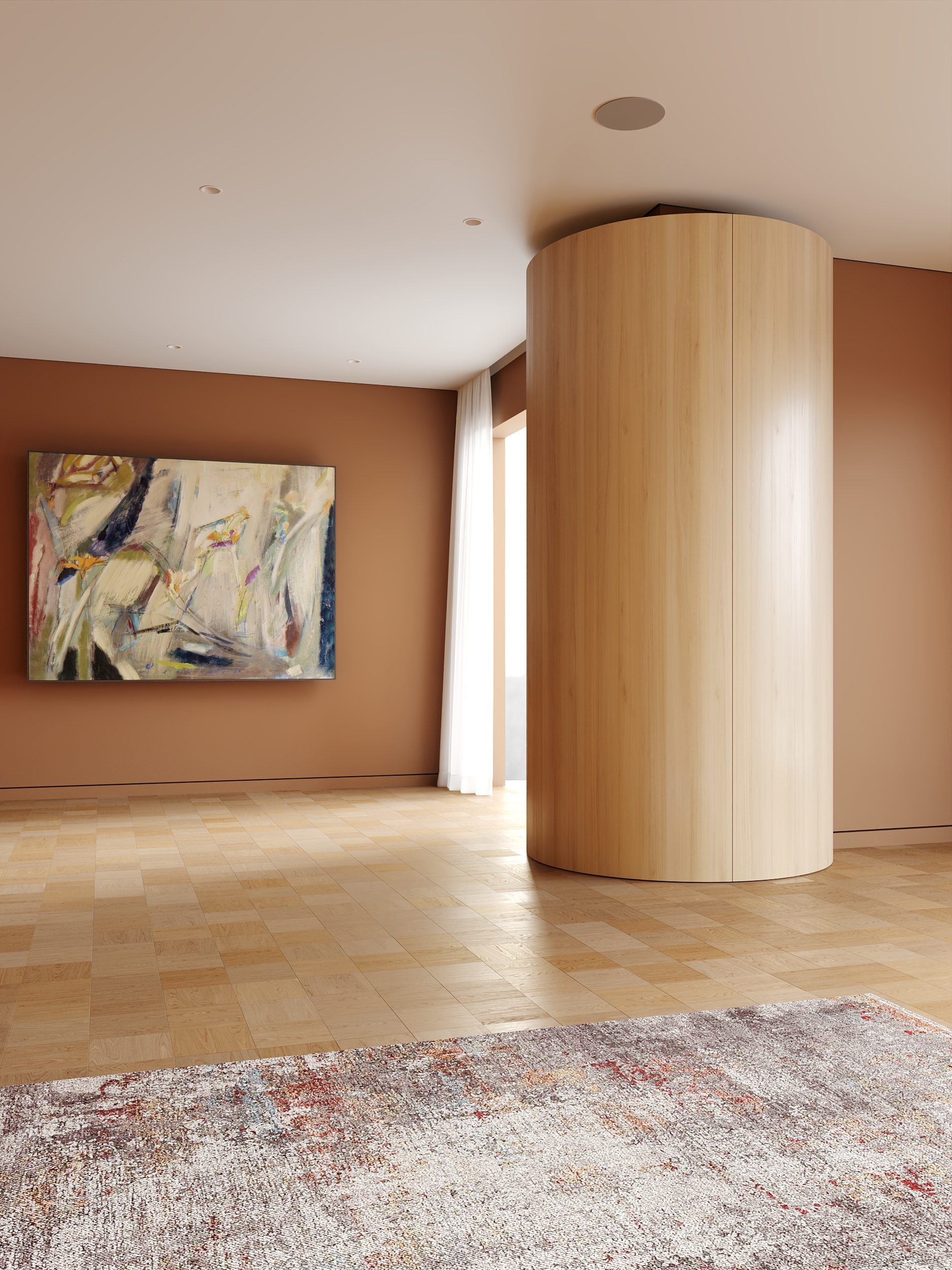
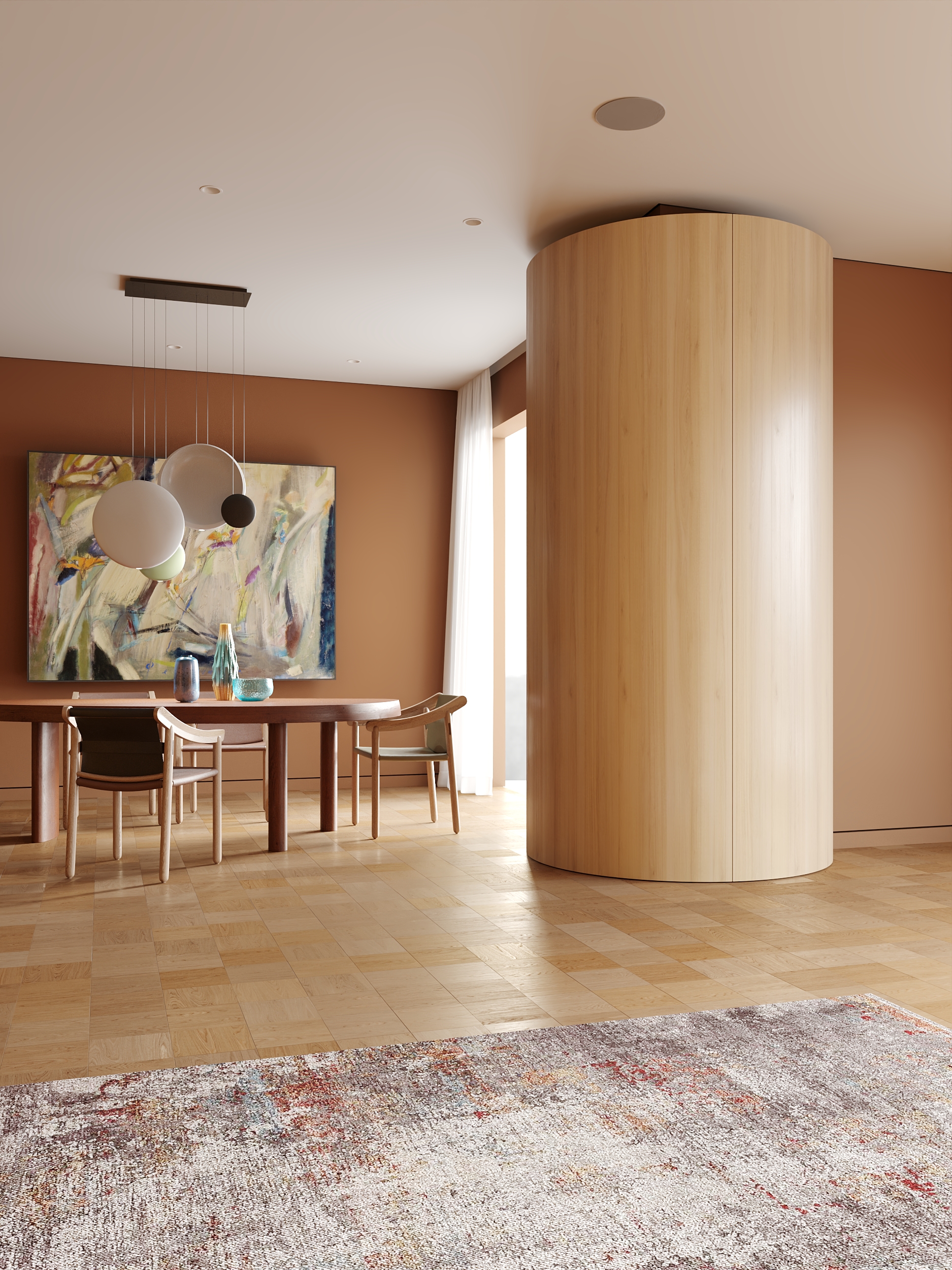
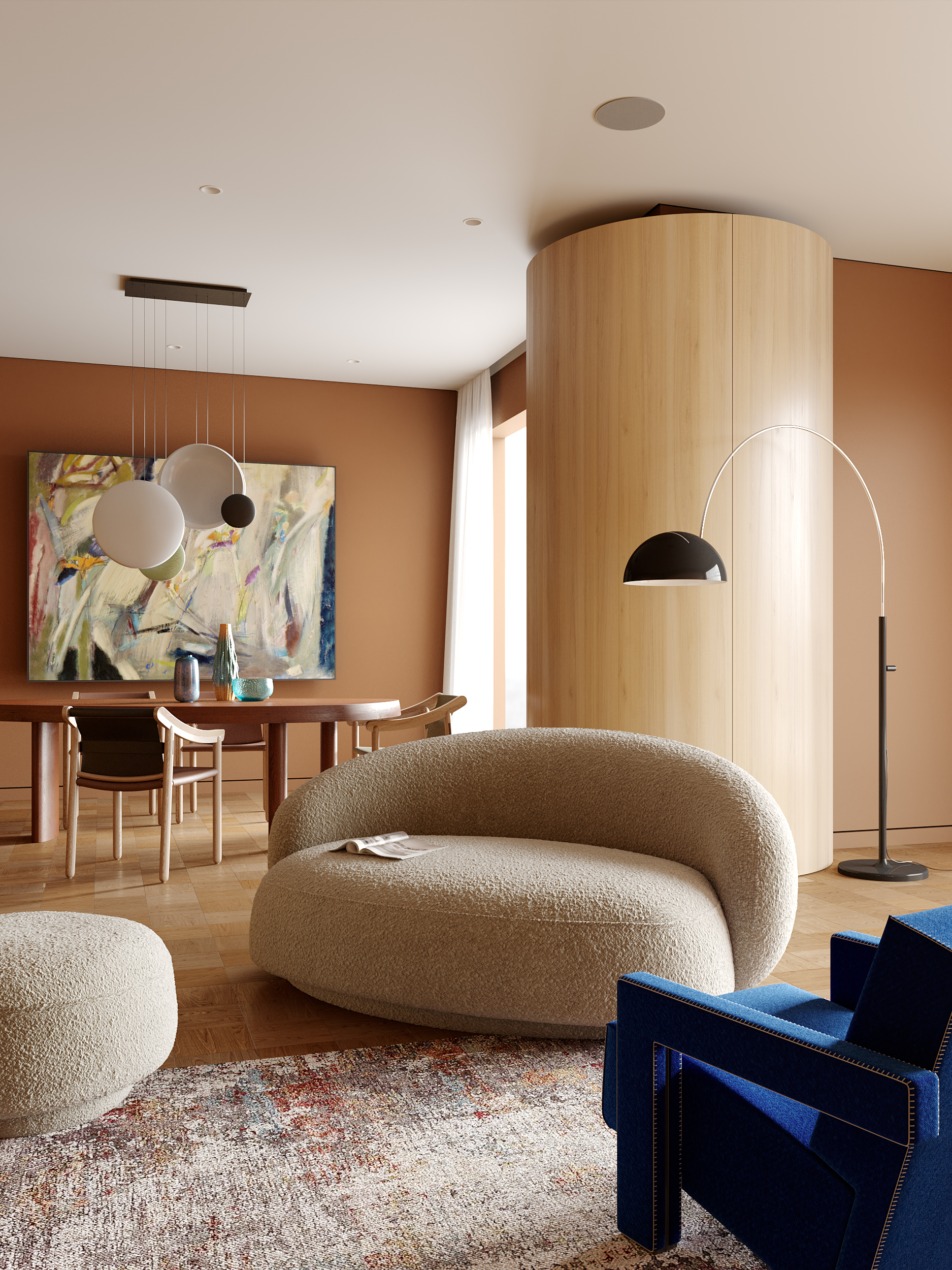
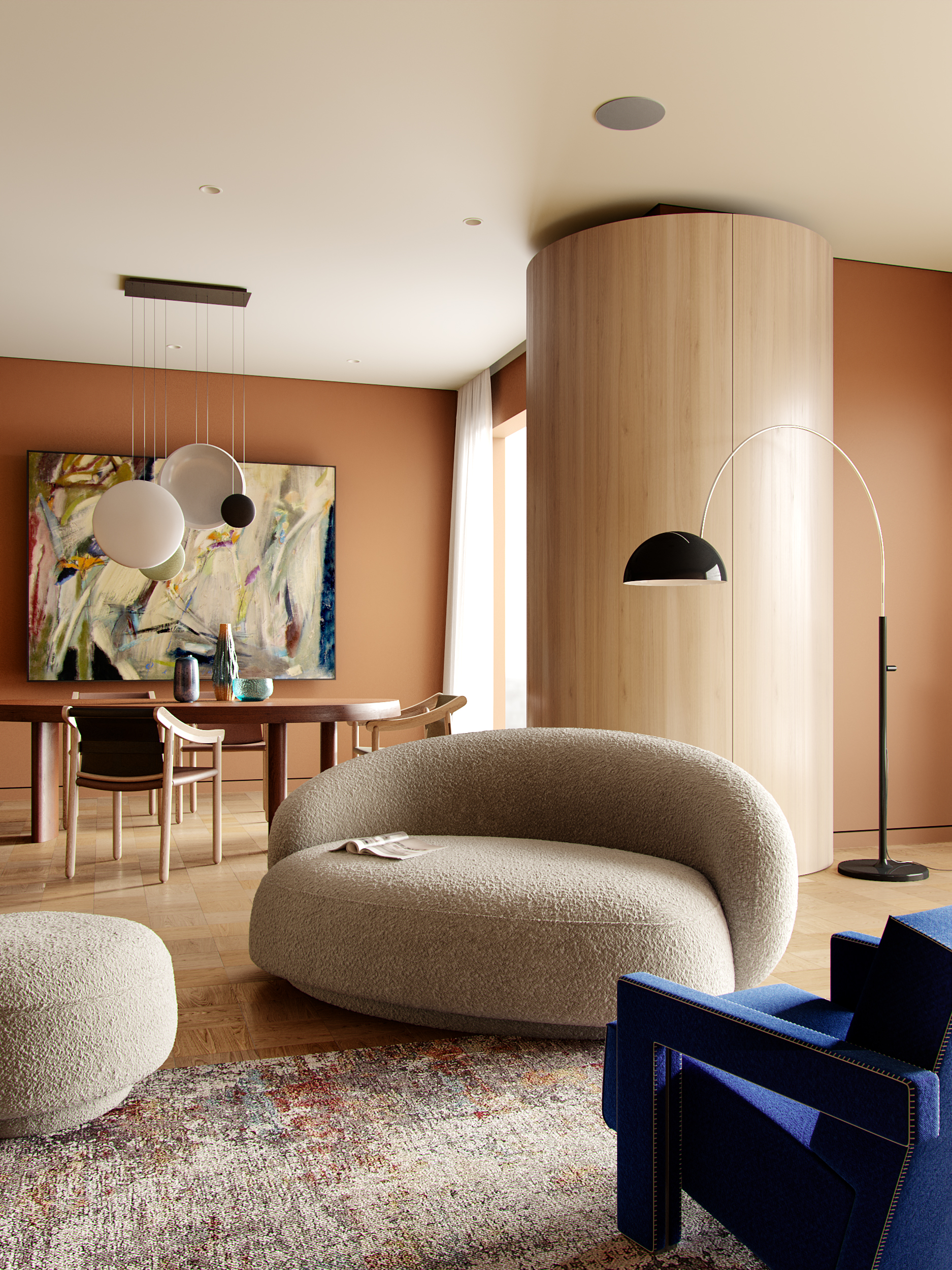
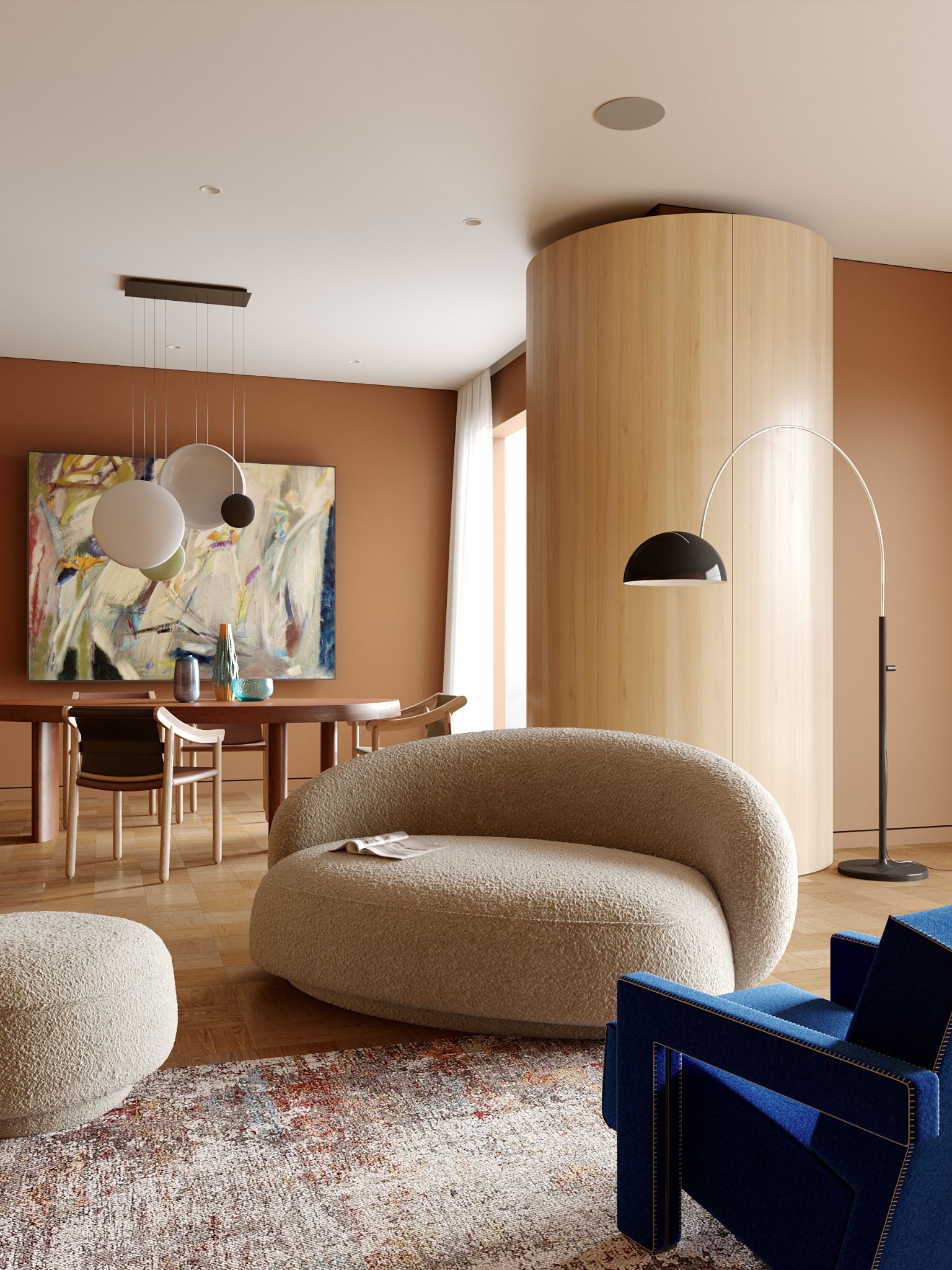
Build a complete interior scene from reference, with modeling, realistic materials, lighting, camera setup, composition and final Photoshop post-production.
Each step is shown for both masterclasses. The paired visuals let you see how the same stage changes between an exterior and an interior scene.
Analyze proportions, materials, light direction, camera position, depth and atmosphere before touching the 3D scene.
Recreate the architecture, furniture and environment with the right proportions, keeping the geometry focused on the final image.
Set natural and artificial light, exposure and environment in Corona to create depth, hierarchy and the right mood.
Create and refine textures, roughness, scale, variation and imperfections so every surface responds naturally to light.
Use Corona Scatter and controlled distribution to create natural variation — from landscape and vegetation outside to repeated scene elements where needed inside.
Set camera position, focal length, framing and visual balance so the image feels deliberate rather than simply documented.
Take the render into Photoshop and refine color, contrast, atmosphere, local details and the final balance of the image.
The goal is not to copy two images. It is to understand the decisions that make an architectural visualization work.
Reference analysis, modeling, light, materials, distribution, camera and post-production become one repeatable method — a workflow you can take into your own interior and exterior projects.
Interior or exterior — start with the scene that fits your work, or take both masterclasses and compare the same method across two very different projects.
Choose your masterclass ↘Get access to the Render Culture workflow and follow a complete project from the reference image to the final Photoshop pass.